RocketSpin Casino Login Process
Logging into a platform looks so obvious, right? But is it? Sign in procedure at Rocket Spin is more than hitting the login button. It’s more. It’s about accessing your profile, resuming gameplay, unlocking available bonuses and managing your casino wallet.
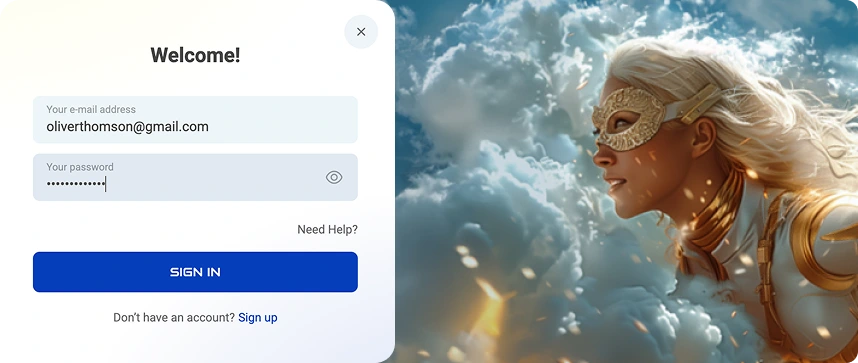
A few things happen when you want to log in. You might not know it because everything happens behind the scenes. However, the process of Rocket Spin login is important so that you can gain access to our products.
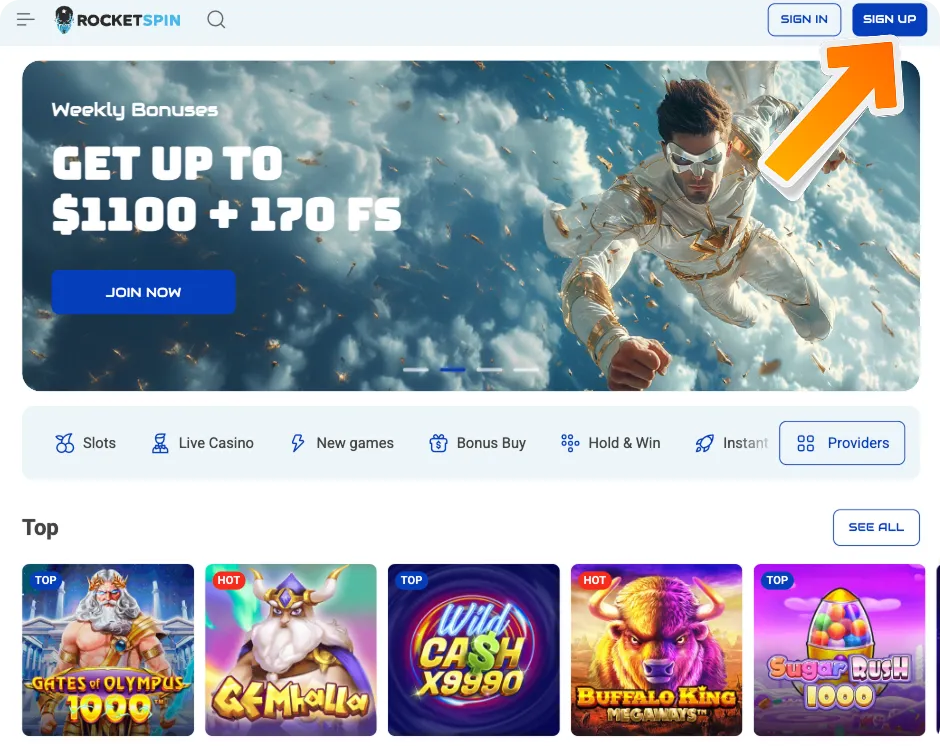
How to Join RocketSpin Casino
Before you log in, you must be a registered gambler. What information would you use to sign in? On the surface, you just fill in the form. However, the casino system processes your information and saves it.
That way, the same system can access your details, check them against what you provide to permit you to access your account. That’s why you don’t end up on someone else’s profile. The process takes seconds, allowing Canadian gamblers to resume gaming or any other activity.
What’s required to join the casino? During account registration, you provide your details like email, password, name, phone and address. We store this information and only require you to use your email and password during the RocketSpin login process. You can sign in at any time, whether at night or day.
Rocket Spin Login Procedure
What steps can you take to sign in? The login algorithm is a solid two-step process. How do you sign in?
- Open our website and instead of hitting the register button, click the Rocket Spin Casino login button. They are next to each other.
- Enter the email you used to register your account and your password. Press the login tab.
That’s it, you’re in. Behind the scenes, we use SSL encryption to protect your sign-in details during transmission. As such, you can expect your information to be encrypted and protected from parties that might try to access it or read it.
What About Personal Data?
You might feel worried about sharing personal data on the RocketSpin login form. We get it. However, we are a legitimate gambling platform dedicated to offering Canadian safe gaming venues.
We only ask for the necessary details: your name, email, phone and address. We might ask for other data to complete the Know Your Customer (KYC) verifications. This includes your utility bill, driver’s license, passport and bank statement.
We keep it safe and don’t share it with marketing groups or any other person. We abide by the privacy policies and other data protection guidelines from our regulator.
RocketSpin Login via Mobile App
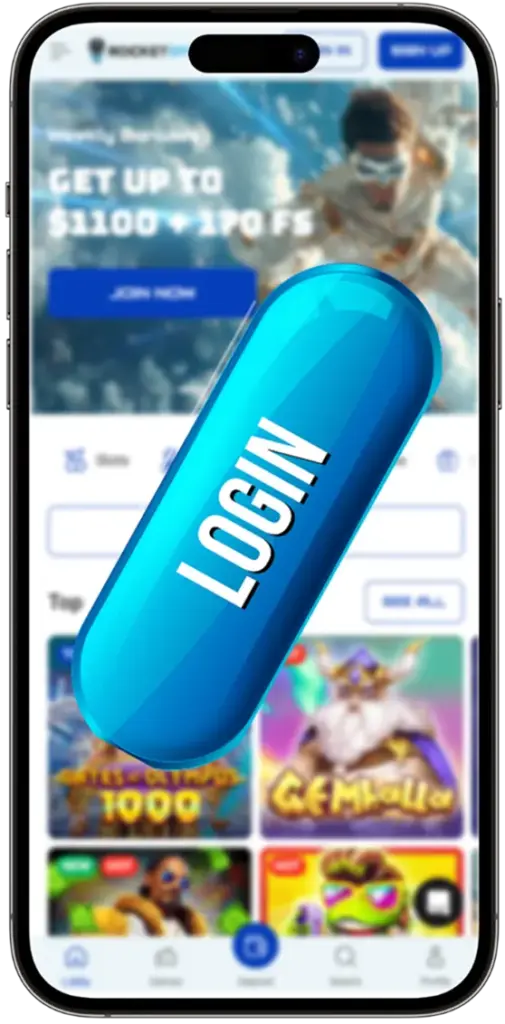
Do you prefer to play on mobile devices? It could be your iPad, iPhone 15, Samsung Galaxy S21 Ultra or any other device. Thanks to our mobile-optimized platform, Canadians can play on a mobile browser or our Progressive Website App (PWA). If you’ve registered your account on your desktop or any other device, you don’t need to create a new account on your mobile.
- Open your PWA or go to a mobile browser to launch our site.
- Tap the Rocket Spin Casino login button and enter your credentials, that is, your email and password.
- Finish the process by tapping the login button.
How to Delete Your Account at RocketSpin Casino
Do you feel like RocketSpin is no longer for you? Sometimes, we get somewhere where we need a break from something, even something that once entertained us. When that happens, you can delete your account or take a break.
What can you do? You have two options. You can take a temporary break to cool off. Start by hitting that RocketSpin login button to access your profile. Find the self-exclusion feature. You can use it to block yourself from accessing our site for a few days, weeks or months.
The other solution is permanent closure. Ensure your casino wallet is empty by withdrawing your remaining funds. It should be more than CAD 30. Wait until funds are in your account before closing your account.
Contact customer support and request account deletion. You’ll need to provide some information to verify your account so that we don’t close the wrong account. We’ll close your account within 48 hours. You can initiate the process from your profile, too.